MENTAL X APP
Support & Contact
FAQ • Contact • Form
Need help? Check the FAQ below or message us using the form.
Contact
You can contact us using the form or via the email address support@mentalxapp.com. We typically respond within 48 hours; in some cases, the review process may take 2–3 business days.
Frequently Asked Questions
I can't connect via QR. What should I do?
Make sure both devices are on the same Wi‑Fi. Keep the QR screen open on the camera device. Try toggling Wi‑Fi off/on and retry.
Where are recordings saved?
Recordings are saved to the device gallery (DCIM/MentalX). Retention may vary depending on available storage.
The permission screen (camera/mic/storage) doesn't appear.
Check app permissions in your phone settings. Enable missing permissions and restart the app.
Remote viewing outside the same Wi‑Fi (WAN) doesn't work.
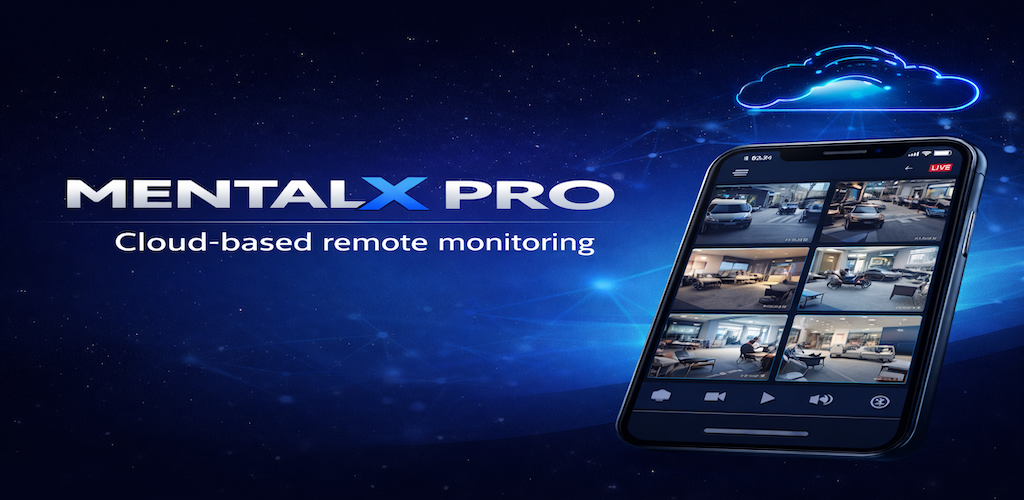
This may be available in Pro/higher tiers. Network restrictions (NAT/port/firewall) can also affect it. Send details via the form.
The app opens but the screen is blank.
Force close and reopen the app, reboot the device, and ensure you're on the latest version. If it continues, send a screenshot via the form.